
Oopbuy Spreadsheet / A considered purchase
Browse the Oopbuy Spreadsheet with the details in view
A product picture starts the search. The seller listing supplies the options, measurements and terms you need to make a purchase.




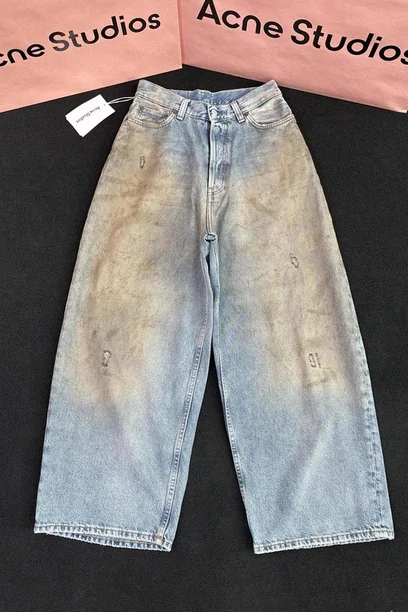
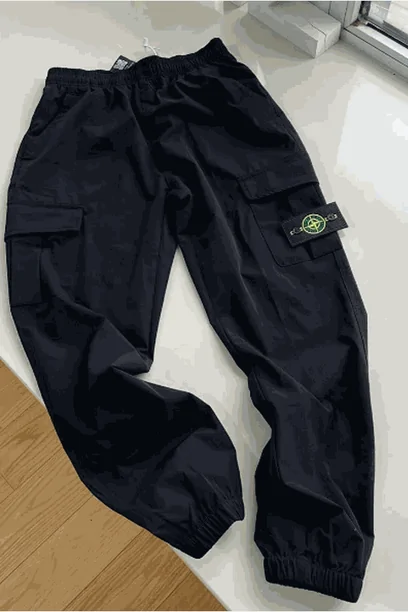

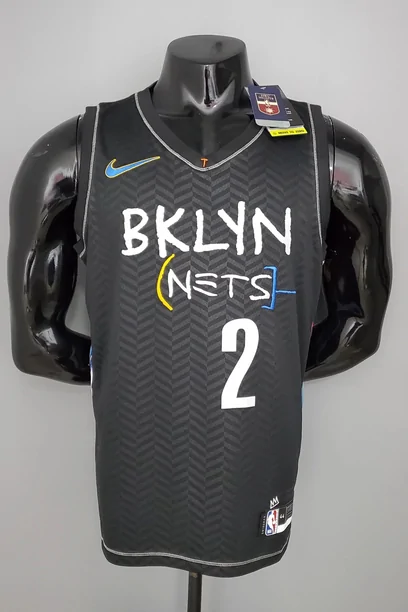








How to choose an item
| What to look for | What to check |
|---|---|
| Measurements and size options | Compare the seller’s chart with a similar item you own. Keep the exact size selection. |
| Materials and construction | Look for the stated composition and useful close-up photos. Ask about a missing detail before paying. |
| Colour, model and quantity | Check the chosen option and whether the price is for one item or a set. |
| Seller evidence | Read recent, relevant reviews and buyer photos. They inform your decision but do not prove quality. |
| Item restrictions | Confirm purchase and shipping eligibility for the item and destination. |
Save more than the product link
Keep the full seller URL, shop name, selected variant, quantity and the description that influenced your choice. A saved screenshot can document what you saw, but reopen the listing before paying because options and stock can change.
Ask a specific question when something is unclear: garment width, insole length, package contents or whether a particular colour is available. A prompt answer is useful, but response speed alone does not establish seller reliability. Compare the seller evidence.
How to choose a Spreadsheet site
A useful Spreadsheet connects a recognizable product image to a real seller listing. It should make the buying path clear, separate dated policy references from live prices, and explain any referral relationship.
Check that categories help you find an item and that the original listing can still be opened. Do not treat catalogue inclusion as authentication or a promise that the agent accepts the goods. This site’s source notes and scope explain those boundaries.
When you have a candidate, continue through the buying guide before committing to a payment. Shipping, inspection limits and return eligibility matter alongside the product price.
Why use this Spreadsheet?
The visual shelves put sixteen product groups in one place, while the guide explains what to check after finding an item. The decision check helps turn a warehouse or shipping concern into a specific support request, using a contact, evidence and conditions checklist.
Use those features as a starting point for your own comparison. Prices, stock, product options and seller terms still belong to the current listing. The catalogue does not rank seller reliability, authenticate goods or replace the official account. Source dates and referral information remain available in the guide notes.